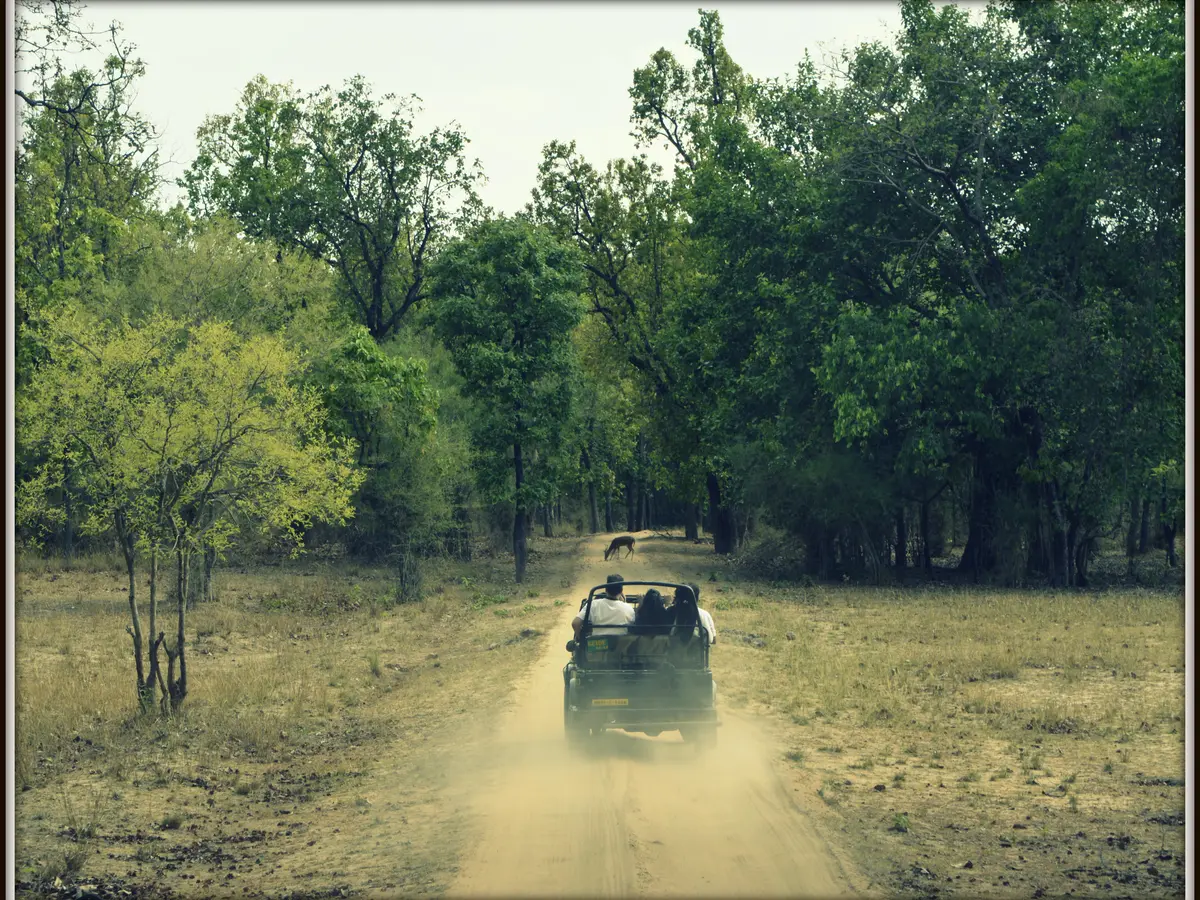
If you search “how to book Rajaji National Park safari”, the official process is a day-visit permit flow on the Rajaji Tiger Reserve website. The official booking page does not ask visitors to guess a package from a blog: it tells them to select a date, zone and shift, enter visitor details, make payment and print the permit.
The reserve’s online pages are the source for availability and the final payable amount. This article turns the published sequence into a practical checklist while keeping the official wording and caveats intact.
Step 1: Open the official booking page
Start at the official Uttarakhand-linked Rajaji Tiger Reserve page: rajajitigerreserve.uk.gov.in/jungle-safari-booking.aspx. The portal may use the name Rajaji Tiger Reserve, although most travellers search using Rajaji National Park.
The official guest-login page includes an e-verification area and a mobile-number field. It also publishes an important technical notice: online booking can be done only with a static IP, preferably on a desktop PC, and may not be possible on mobile or tablet devices using dynamic IPs. Use the device and connection recommended by the reserve rather than repeatedly attempting from a phone.
Step 2: Select the visit date
Choose the date from the calendar. The official booking page currently states that Rajaji Tiger Reserve remains open for tourists from 15 November to 15 June. That is a seasonal statement, not a promise that all zones and shifts will be open on every date. If the calendar does not offer your date, do not create a payment outside the official flow.
Check the date twice before continuing. A booking made for the wrong day can affect transport, hotel reservations and the identity details on the permit.
Step 3: Select an available zone
The official day-visit page lists Chaurasi Kutiya, Chilla, Motichur, Haridwar and Chillawali. Its tariff table also lists Ramgarh. The selection you see in the live calendar is the authority for your chosen date.
Do not pick a zone only because a third-party article calls it the best. Consider your accommodation and reporting route, then choose from what the official portal actually offers. Our gate guide can help with the planning context, but it does not replace the live availability list.
Step 4: Select morning or evening
The official booking page says jeep safari is available in morning and evening hours. It publishes seasonal entry windows:
- 15 November to 15 February: morning 6:30–8:00 AM; evening 1:30–3:00 PM.
- 16 February to 15 April: morning 6:00–7:30 AM; evening 2:00–3:30 PM.
- 16 April to 15 June: morning 5:30–7:00 AM; evening 3:00–4:30 PM.
These are the official page’s “Safari Gypsy Entry Timing” windows. Check the live page for your date and keep the printed permit with you. The page separately publishes last-exit times and warns visitors to reach the gates 20 minutes before the last entry timing.
Step 5: Enter the group leader and visitor details
Enter the group leader and the other visitor details exactly as requested. Non-Indian visitors should note the official guest-login instruction that passport is mandatory as identity proof. Avoid guessing document details or using a nickname that does not match the travel document.
Before payment, review the visitor category, names, nationality, date, zone and shift. The documents checklist can help you gather the information before you open the form.
Step 6: Review the amount and make payment
The official tariff displays entry and vehicle charges separately by zone and visitor category. The final amount shown by the live portal is the amount to check before authorising payment. Do not rely on an old screenshot or a social-media price list.
Keep the payment reference, but remember that a bank transaction screen is not the same as a printed day-visit permit. Wait for the portal to complete the booking and show the ticket or confirmation.
Step 7: Download and print the permit
The official instructions say that the day-visit ticket will be booked after payment and that visitors should print the permit. Print it and save a copy where you can access it offline. Check the permit against the booking details before leaving your accommodation.
Take the required identity document with you. Reach the correct gate in good time; the official page warns that late arrivals after the last entry time may not be entertained and that fees deposited in those cases will not be refunded.
If online booking is not working
First confirm that you are using the official URL, the recommended desktop/static-IP setup and the current guest-verification flow. Do not make repeated payments when the status is unclear. Record the date, zone, visitor details and any payment reference, then contact the support channel published by the reserve.
The official guest-login and contact pages publish +91 9411568917 and support-rtr[at]uk[dot]gov[dot]in. The contact page identifies the Safari Booking Office at 5/1 Ansari Marg, Dehradun, available from 10 AM to 5 PM. Confirm the current contact details at the official contact page.
The official Chilla information page also says that visitors can book a safari from the Chilla gate office of park authorities. That is a Chilla-specific published note, not proof of same-day availability at every gate, so contact the reserve before relying on an offline booking.
Final booking checklist
- Official Rajaji Tiger Reserve URL opened.
- Static-IP desktop setup used as advised by the guest-login page.
- Date, zone and morning/evening shift checked.
- Visitor and group leader details entered exactly.
- Final tariff and payment amount reviewed.
- Payment reference saved.
- Permit printed and saved offline.
- Identity documents and gate route prepared.
- Arrival planned at least 20 minutes before the last entry timing.
For the tariff breakdown, read our Rajaji National Park tickets guide. For the broader booking decision, see Rajaji National Park safari booking.